Your Action Items in One Place
One card on your home page lists what needs your attention, what is left to set up, and what you can do next.
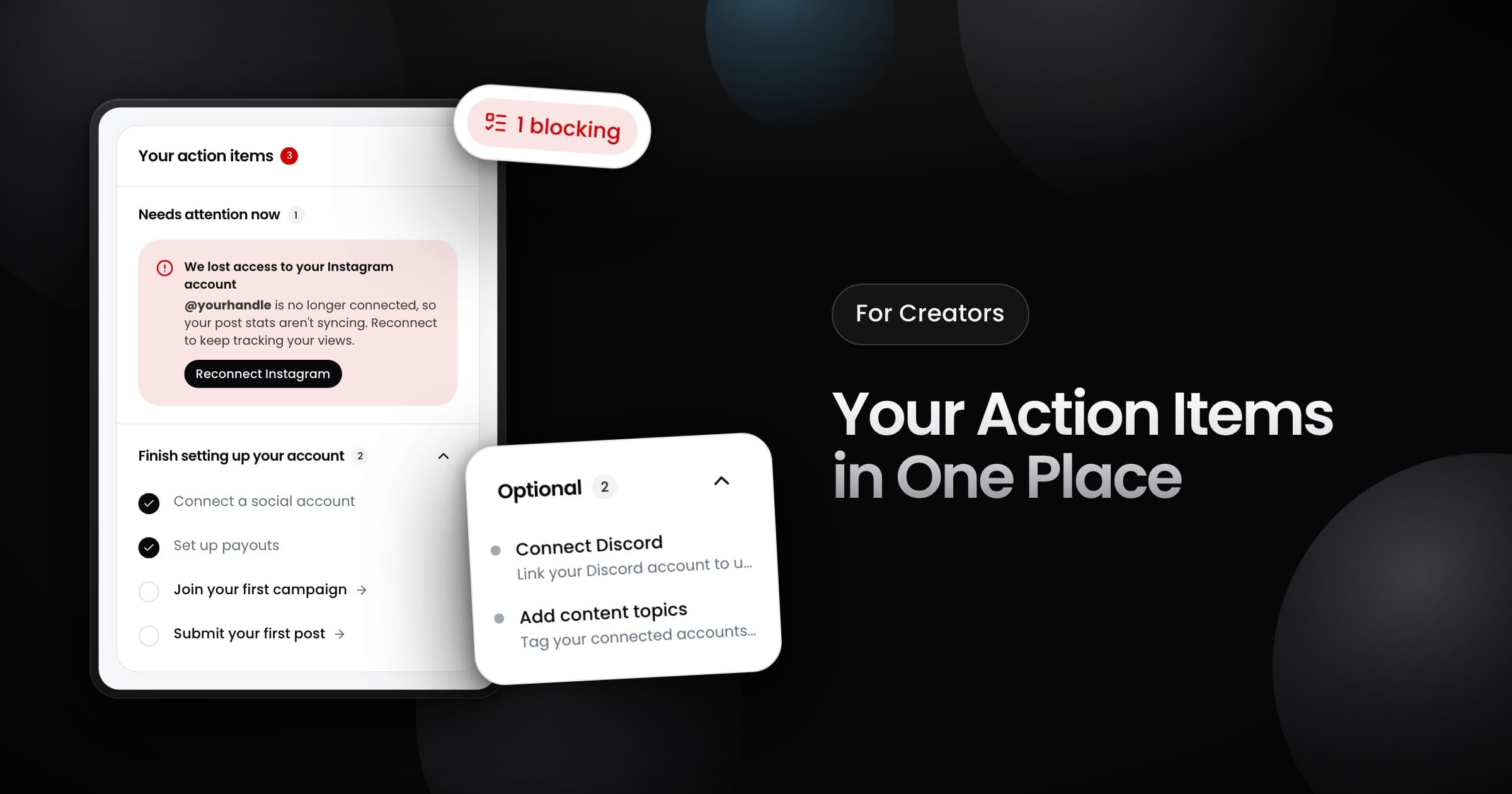
Creators now see every open task in one card on the home page: Your action items.
What the card shows
The card puts each task in a section:
- Needs attention now: a problem that stops you. Examples are an account that lost its connection, new terms to accept, or a payout method that we could not verify. Fix these first, because they can stop your stats or your campaign joins.
- Finish setting up your account: connect an account, set up payouts, join your first campaign and submit your first post. Vyro ticks each step as soon as you complete it.
- Required by a date: a task with a deadline shows that date.
- Optional: extras, such as connecting Discord or adding content topics to your accounts.
Track and clear your items
- On every page: while an item blocks you or is required, a pill in the header shows the count. It turns red when an item blocks you. Select it to see your items from any page. On a phone, they open in a sheet.
- No snooze: an item stays until you fix it. Then it leaves the list on its own.
- All done: when you clear every item, the card leaves your home page.