Track Your Campaigns in the Brand Portal
Sign in to the brand portal to see the views, posts, top posts and top creators of each of your campaigns.
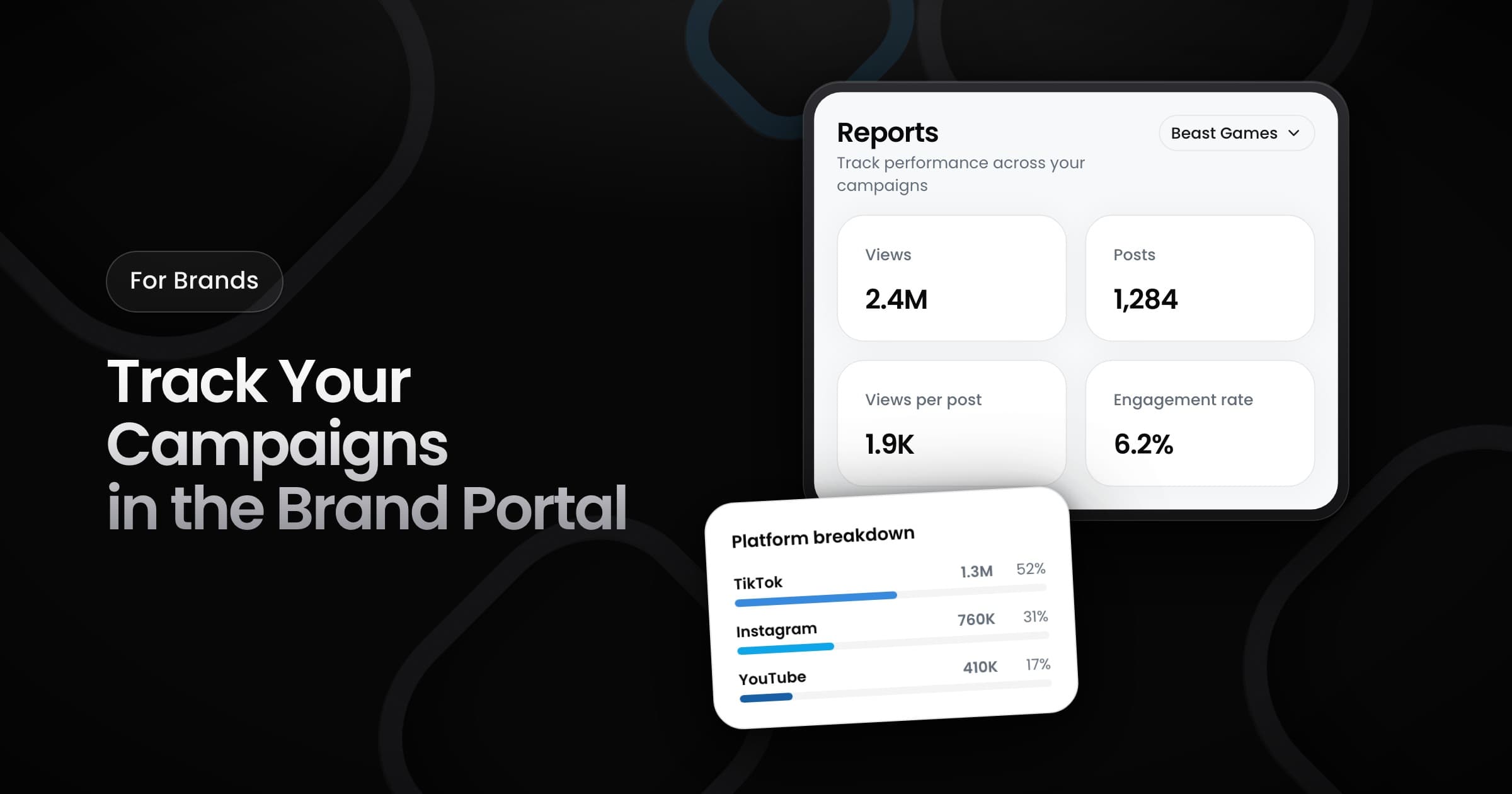
Brands can now sign in to Vyro and follow the results of their campaigns in the brand portal.
Get into your workspace
- Invite: the Vyro team invites you to the workspace of your brand by email. Accept the invite to get access.
- Sign in: use Google, or a code that Vyro sends to your email. You do not need a password.
- Switch brands: if you work with more than one brand, switch between the workspaces from the menu. Each workspace shows only its own campaigns.
Read your campaign report
Open Reports to see your most recent campaign. Select a different campaign, or see all of your campaigns together. The report shows:
- Overview cards: the main numbers of the campaign, such as views and posts.
- Views over time: a chart of how the views of the campaign grew.
- Platform breakdown: the views on each platform.
- Top posts and top creators: the posts and the creator accounts with the most views.
- All posts: a table of every post, page by page.
Every number in the report counts approved posts only.