Submit a Clip in One Step
Paste your post link and send it to a campaign from one screen, with the right account picked for you.
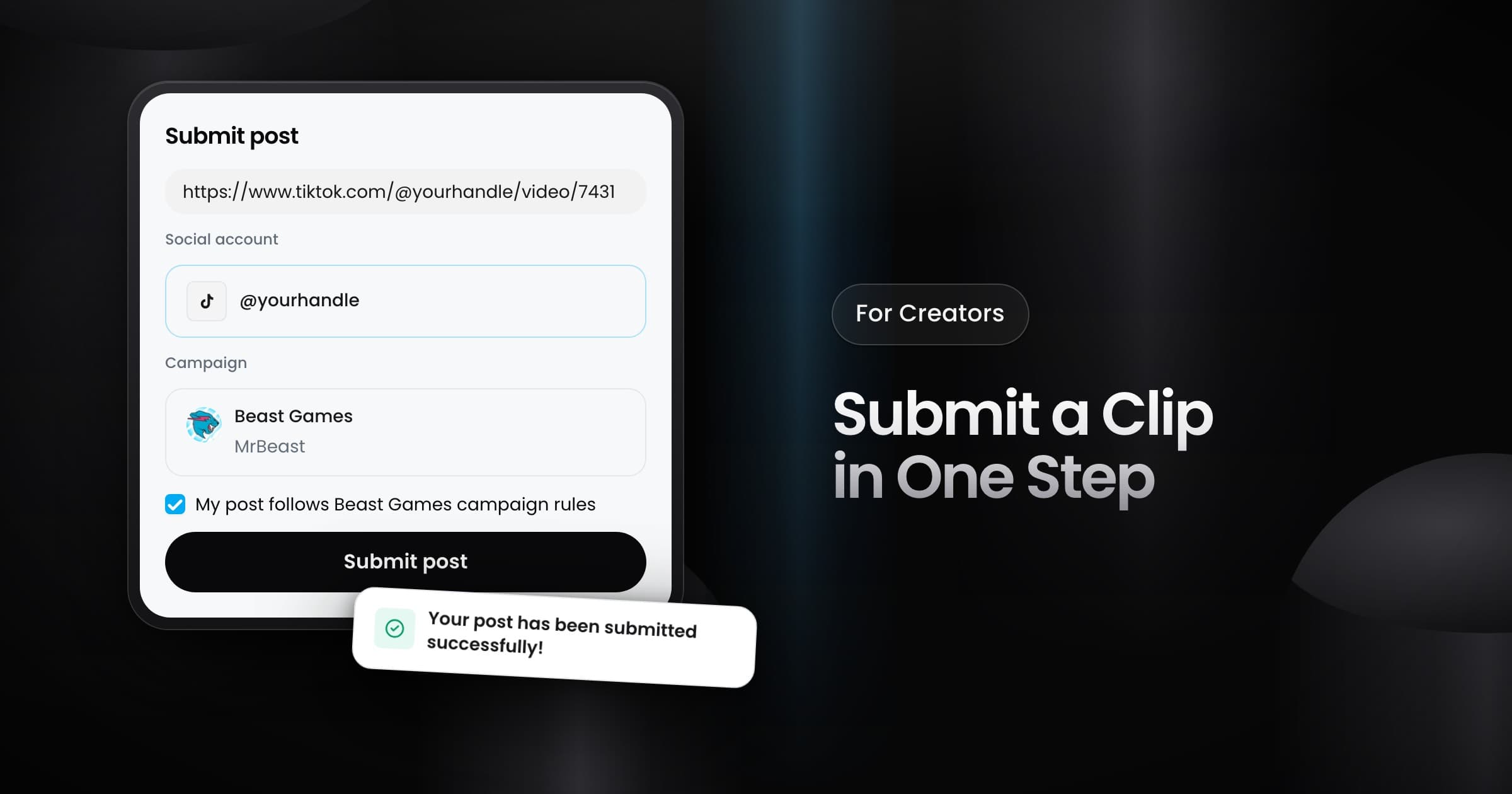
Creators can now submit a clip from one screen. The preview step before the submit is gone, so the clip goes straight to the campaign.
How to submit
- Paste the link of your post.
- Vyro reads the link and shows only your accounts on that platform. When you have one account there, Vyro picks it for you.
- Pick the campaign and confirm that the post follows the campaign rules.
- Submit the post. The success message shows the clip that you added.
When an account is missing
When you have no account on the platform of the link, the form shows a button to connect one. Connect the account, then submit the post from the same screen.