Set Up Your Brand Workspace
Sign up as a brand, set up your workspace in three steps and invite your team, with no help from the Vyro team.
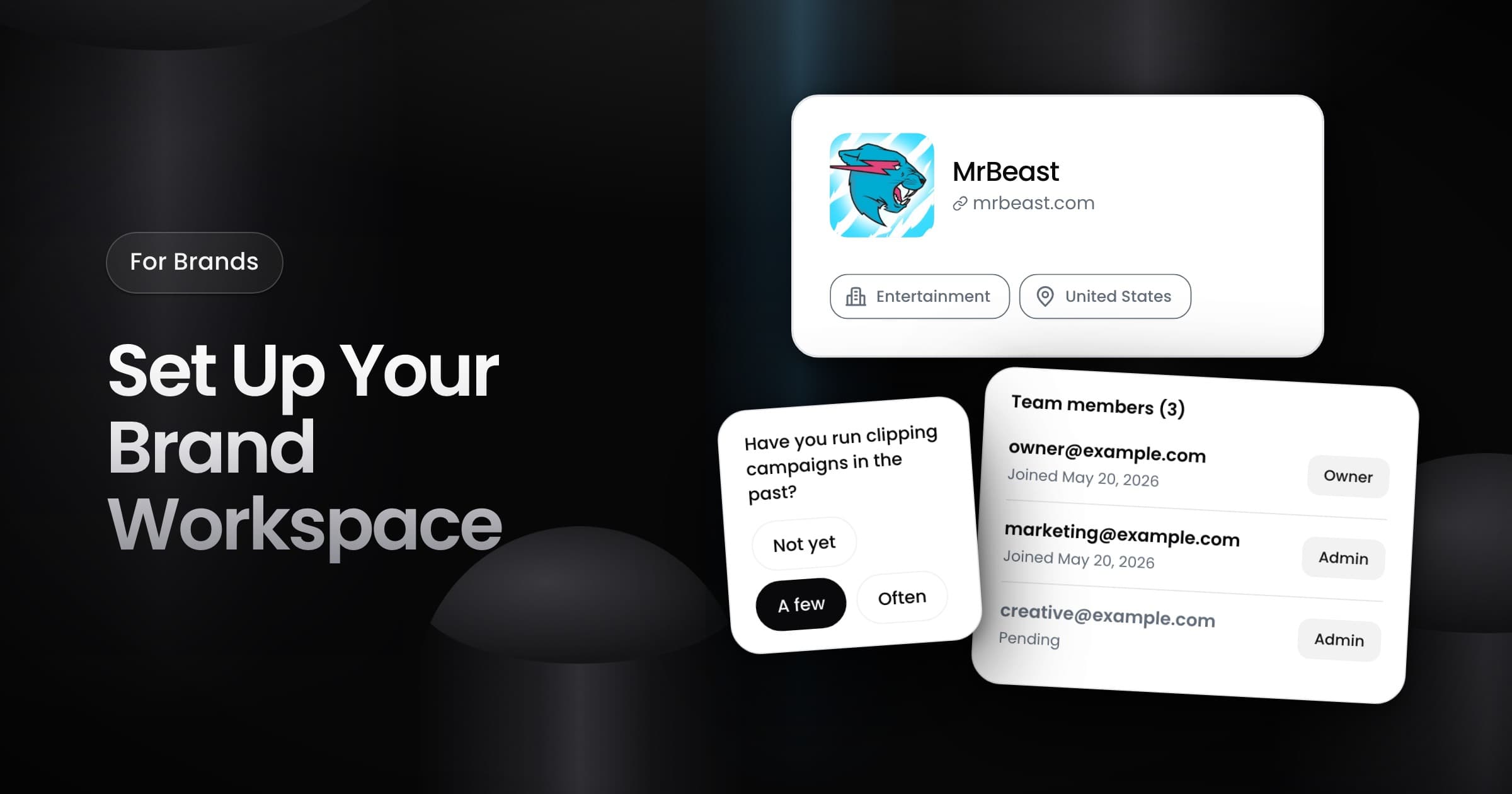
Brands can now sign up for Vyro and set up their own workspace, with no help from the Vyro team.
Set up in three steps
- Add the name of your business, your website and, if you want, your logo.
- Select your industry, your country and your estimated monthly spend.
- Add your name and say if you ran clipping campaigns before.
Vyro then creates the workspace of your brand, with you as its Owner.
Manage your workspace
Open Settings to change your workspace at any time:
- Brand profile: the name and the logo that represent your brand on Vyro.
- Business info: the legal name, the billing address and the tax ID that Vyro uses for billing.
- Personal: your own name, and the option to close your account.
Invite your team
Owners and admins manage the team from Settings:
- Invite: enter the email address of a teammate and pick a role, such as admin. The teammate signs in with that email to join.
- Resend or cancel: an invite stays open for 7 days. Resend it if it expires, or cancel it if you sent it by mistake.
- Remove: a removed member loses access to the workspace.
If the sign-in code for an invite does not arrive, the invite screen lets you get a new code.