See Your Campaign Counts by Status
Each status filter on your campaigns page shows how many campaigns it holds, so you see where every campaign stands.
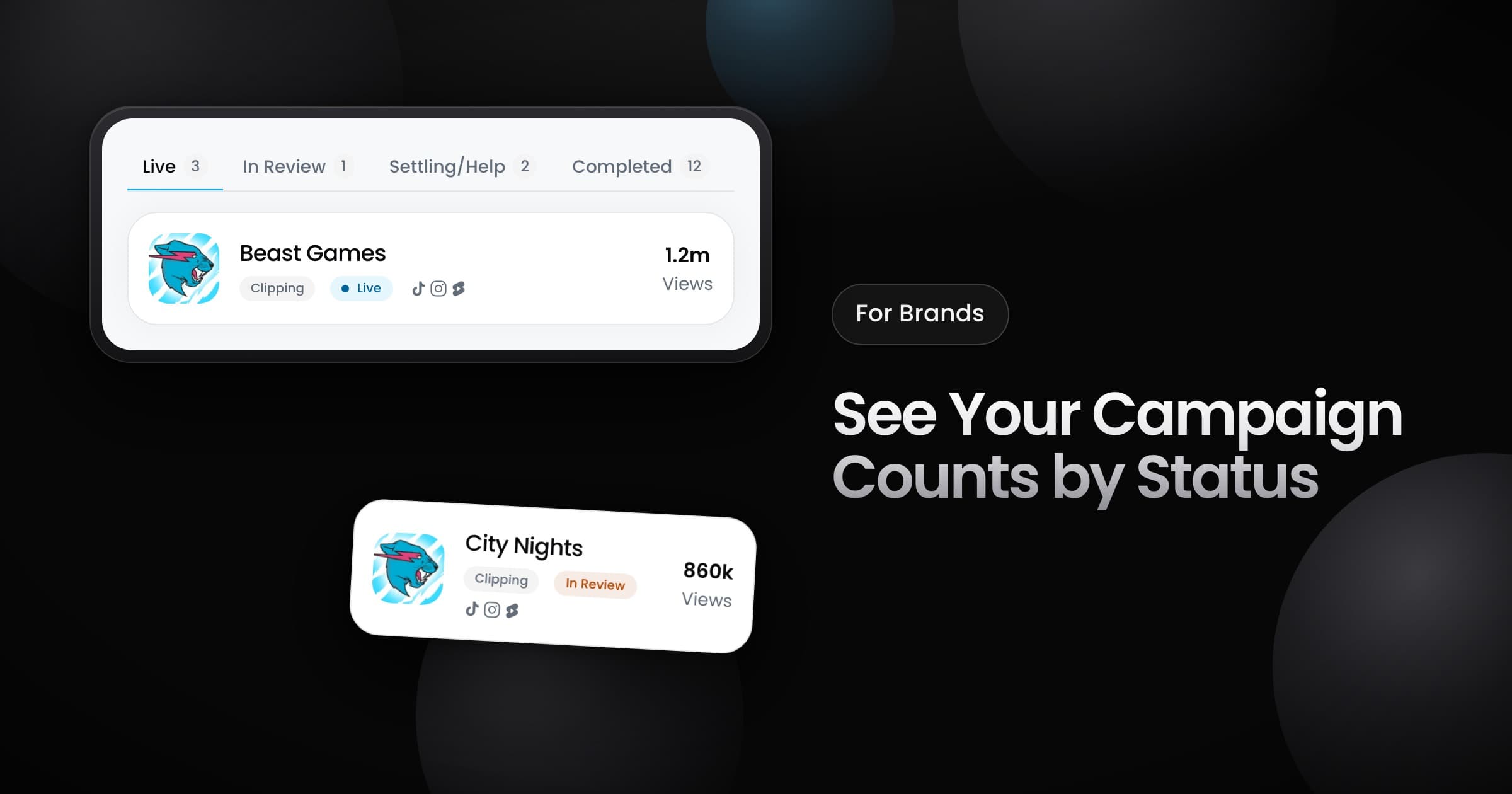
Brands can now see how many campaigns are in each status, right on the status filters of the campaigns page.
What the counts show
Each status filter shows the number of campaigns in it, so you see where your campaigns stand without opening every tab. A filter with no campaigns shows no number.
- Before the start: drafts, campaigns that wait for approval, and scheduled campaigns.
- Running: live campaigns, also a campaign that spent its full budget but still runs.
- After the end: campaigns in review, campaigns that wait for you to settle the results, and completed campaigns.
In Review
A campaign that ended now reads "In Review" while its posts get a final review. Before, the same campaign read "Grace period" on its brief and its header.