See Why Vyro Returned Your Campaign
When Vyro returns your self-serve campaign, you see each reason with its note and every change Vyro made before you sign again.
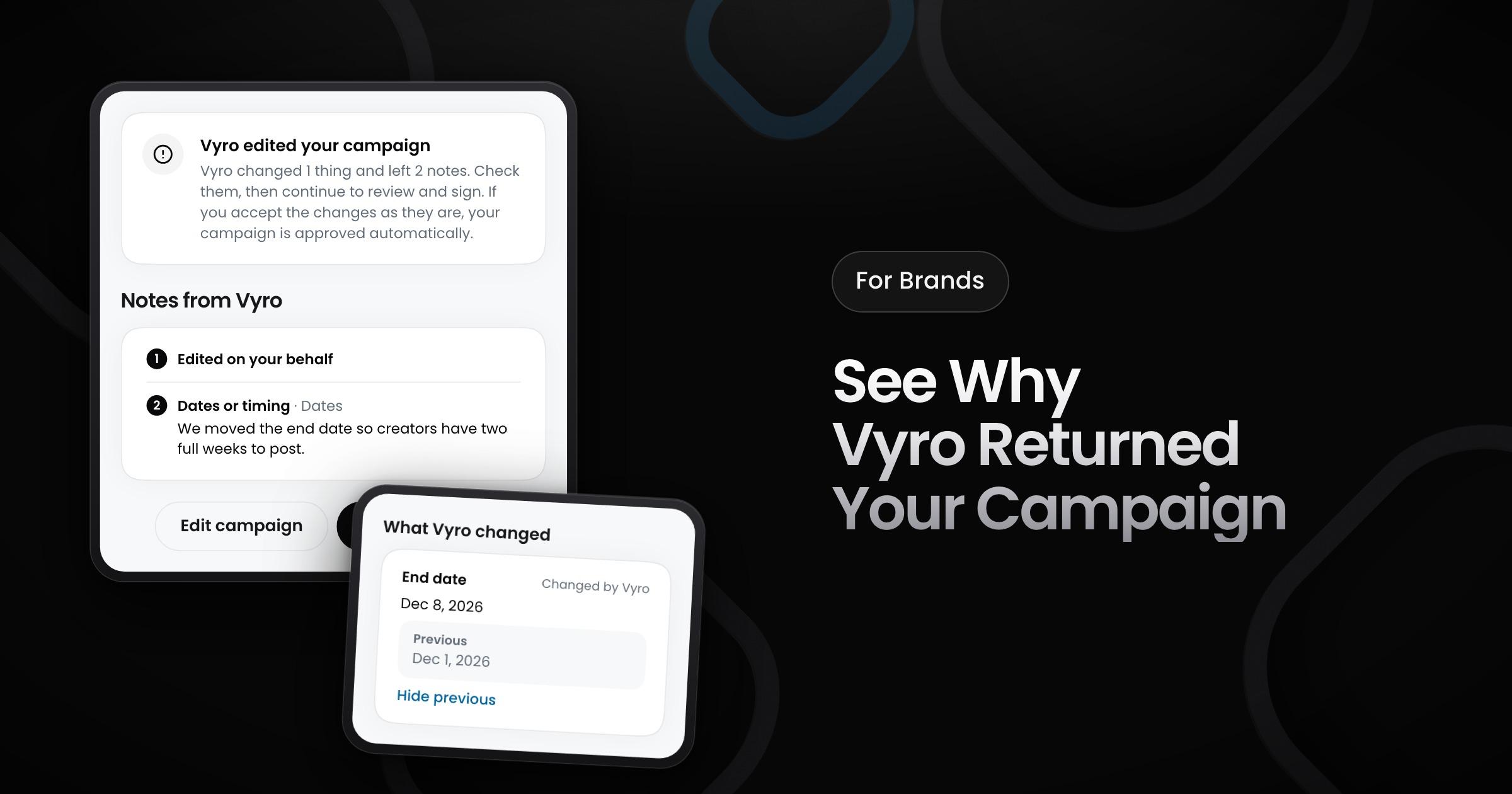
Starting today, when Vyro returns a self-serve campaign to you, the campaign shows each reason with a note. When Vyro edited the campaign, you also see each change.
When Vyro edits your campaign
- Email: "Vyro edited your campaign", with a button to review the changes.
- What Vyro changed: each changed item with its new value. Select "Show previous" to see the old value.
- Notes from Vyro: each reason with its note, for example "Dates or timing" and why the dates changed.
- Next step: continue to review, then sign and pay again. If you accept the changes as they are, your campaign is approved automatically. If you edit the campaign, it goes back to Vyro for approval.
When Vyro asks for changes
The campaign shows a banner that lists each reason with its note. The reasons are Brief too detailed, Brief too broad, Dates or timing, Media or links missing, and Other. Change at least one thing, then sign, pay and submit the campaign again.
In your campaign list, a returned campaign shows a badge: Action Required when Vyro edited it, or Changes requested.