See Which Sign-In Method You Used Last
A Last used tag on the sign-in screen shows how you signed in before, so you pick the right method the first time.
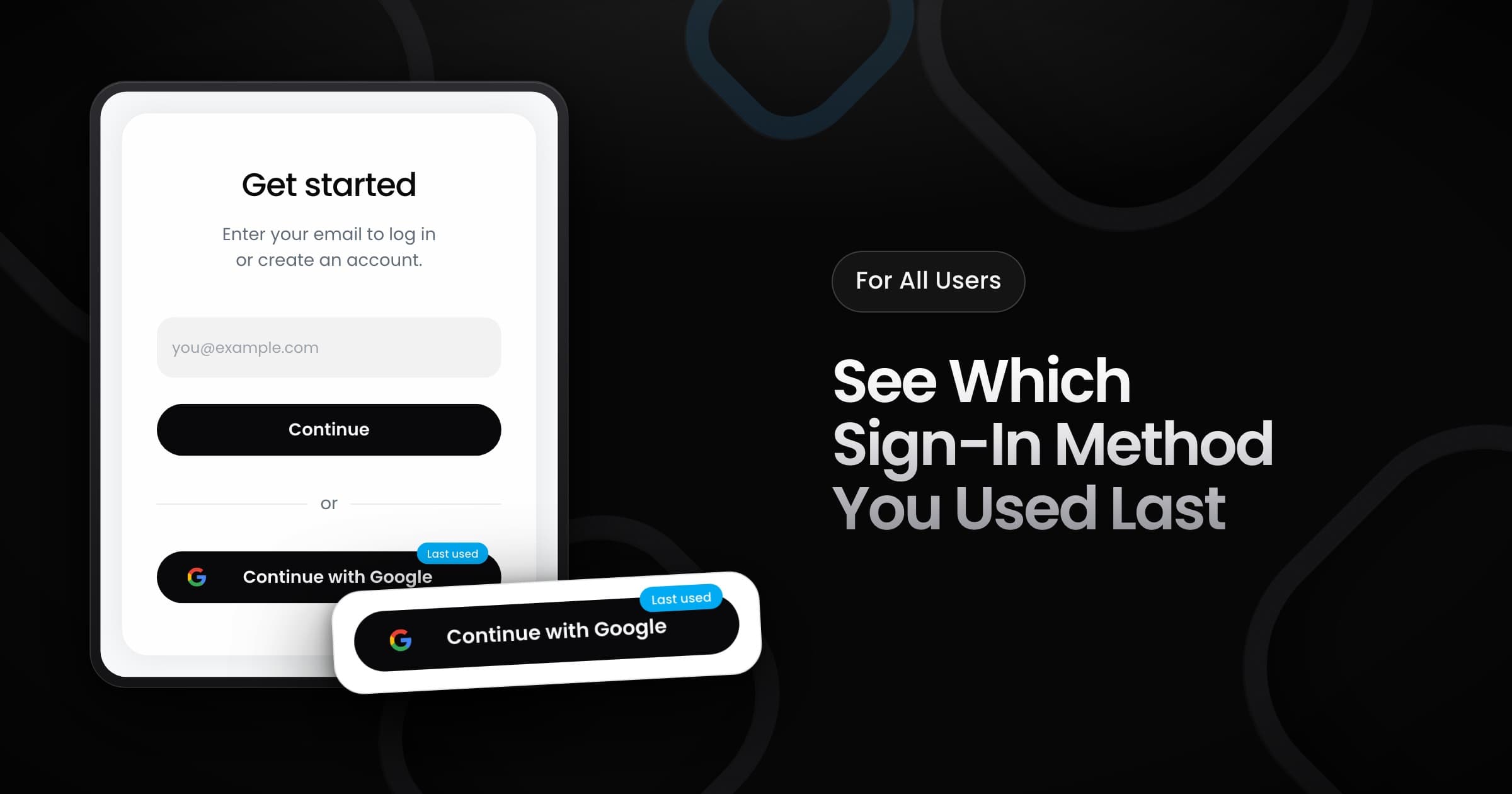
Creators and brands can now see a Last used tag on the sign-in screen. The tag marks the method that you used the last time that you signed in on this device.
How the tag works
- Two methods: the tag is on Continue when you used an email code. It is on Continue with Google when you used Google.
- This device only: your browser keeps the method. A new browser or a new device shows no tag until you sign in there.
- Only a hint: the tag does not change how you sign in. You can use the other method at any time.
When the tag changes
The tag moves after you complete a sign-in. For an email code, that is after you enter the code. For Google, that is when Google sends you back to Vyro. If your browser blocks site storage, the screen shows no tag.