Reconnect an Account That Lost Access
See when Vyro loses access to one of your accounts, and go straight to the place where you reconnect it.
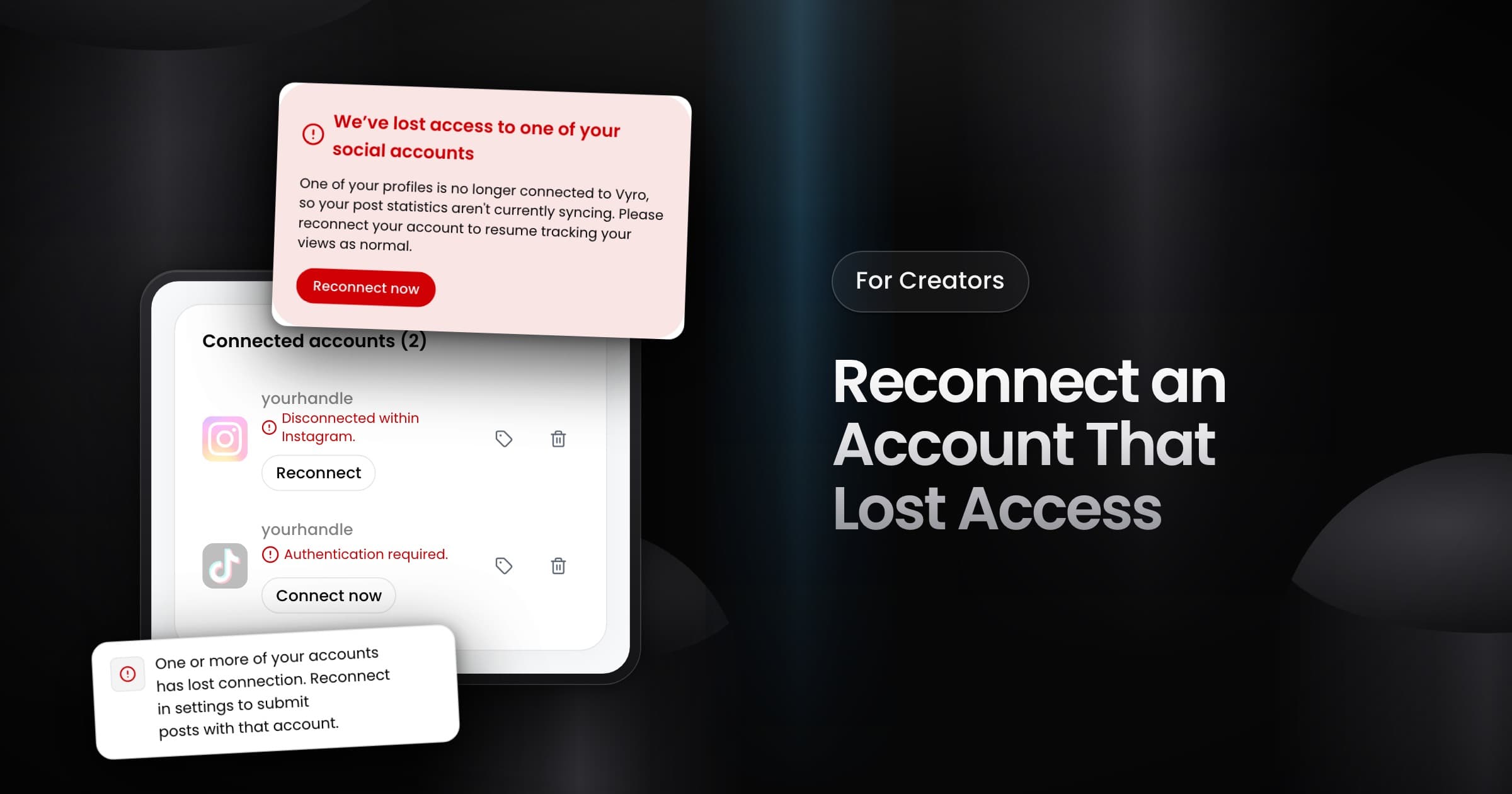
Creators can now see when Vyro loses access to one of their social accounts, and reconnect it before they submit a post.
Where you see a lost connection
An account loses its connection when its login expires, or when you remove Vyro in the settings of the platform. Vyro shows the problem in three places:
- Home: the banner "We’ve lost access to one of your social accounts" has a Reconnect now button.
- Submit post: the account list does not show the disconnected account, and a note tells you to reconnect it in Settings. If you submit with it, a dialog explains the problem, and Go to Settings opens your connected accounts.
- Settings: under Connected accounts, the row shows Authentication required with Connect now. When you removed Vyro inside Instagram, the row shows Disconnected within Instagram with Reconnect.
What happens to your posts
A lost connection does not remove your posts from their campaigns. Until you reconnect, Vyro tracks the account with limited data, so views can lag or stop.