Open the Help Center from Your Menu
Find answers on your own: the Help Center is now one click away in your account menu.
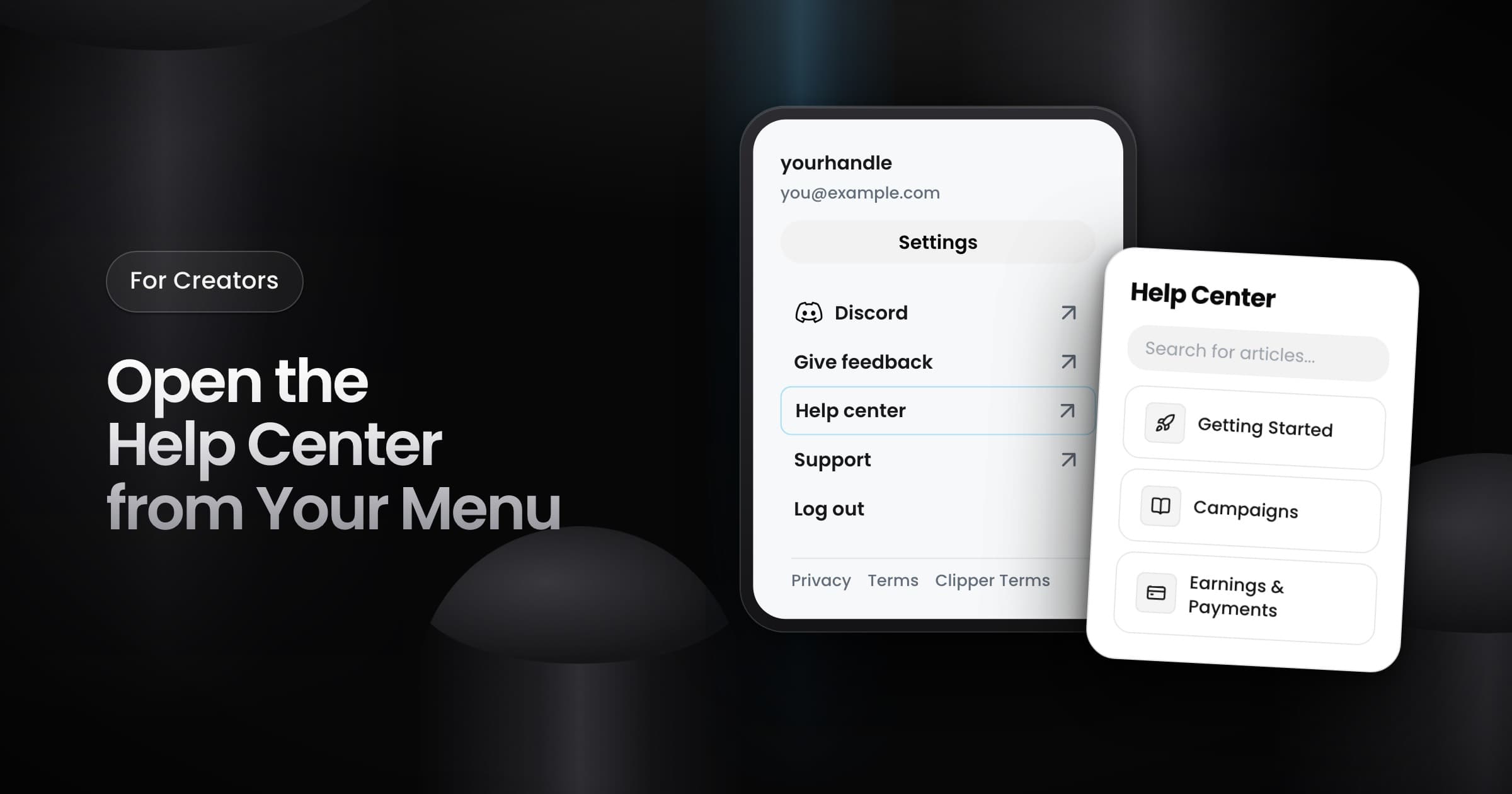
Creators can now open the Help Center from the menu under their profile picture. Before, the menu sent you to the support form for every question.
How to open it
- Click your profile picture at the top of the app.
- Select Help center. It is below Give feedback and above Support.
- The Help Center opens in a new tab, so your page in Vyro stays open.
What you find there
The Help Center has articles about Vyro, sorted by topic. You can search all of the articles from its first page. The Help Center is public, so you can also open it at vyro.com/help without signing in. When no article answers your question, use Support in the same menu to contact the team.