More Ways to Get Paid With Whop
Vyro payouts now run on Whop: cash out to a bank, PayPal, Venmo, a mobile wallet or crypto, depending on your country.
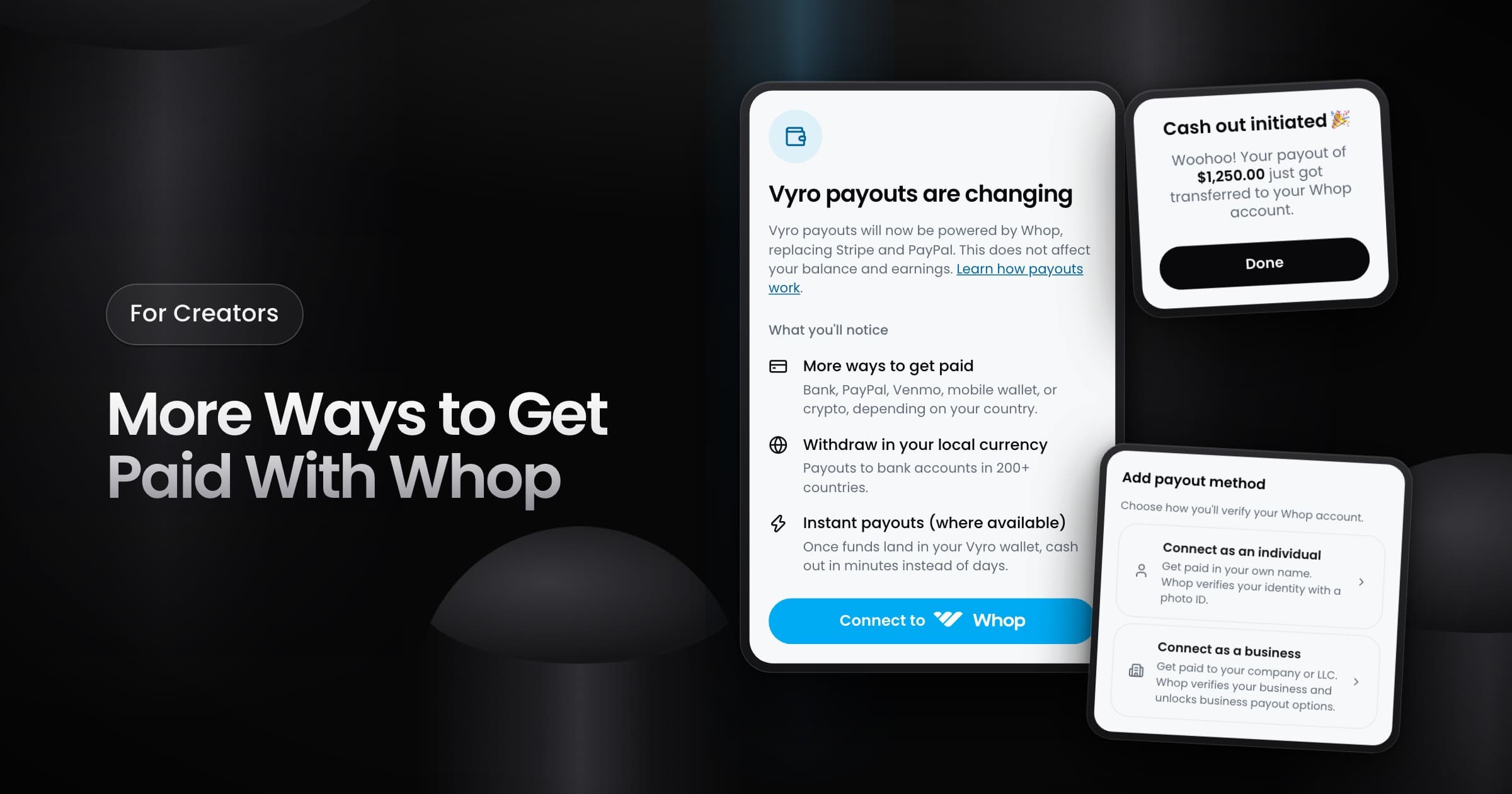
Creators can now get paid through Whop, the new payouts provider for Vyro. Whop replaces Stripe and PayPal. Your balance and your earnings stay the same.
What changes for you
- More ways to get paid: a bank account, PayPal, Venmo, a mobile wallet or crypto, depending on your country.
- Your local currency: you can withdraw to bank accounts in more than 200 countries.
- Instant payouts: where they are available, you can cash out from Whop in minutes, not days.
- Fees: Whop can charge a fee for some payout methods, and for a conversion from USD to your currency.
How to connect and cash out
- Go to Settings > Payout methods and select Connect an account. You can also select Add account on the Earnings screen.
- Connect as an individual or as a business, then complete the identity check in Whop.
- On the Earnings screen, select Cash Out. Vyro sends your available balance to your Whop account immediately.
You can cash out once every 7 days, when your available balance is $10 or more. If you stop the setup before it is complete, the Earnings screen and the Action Center show a step to finish it.
If you use Stripe or PayPal now
Connect a Whop account by November 30, 2026, so that your payouts continue without interruption. Payouts are not available in some countries. The Payouts and Eligibility articles in the help center give the full details.