Invite Friends and Earn
Share your personal invite link with other creators, see who joined with it, and follow your referral rewards in one place.
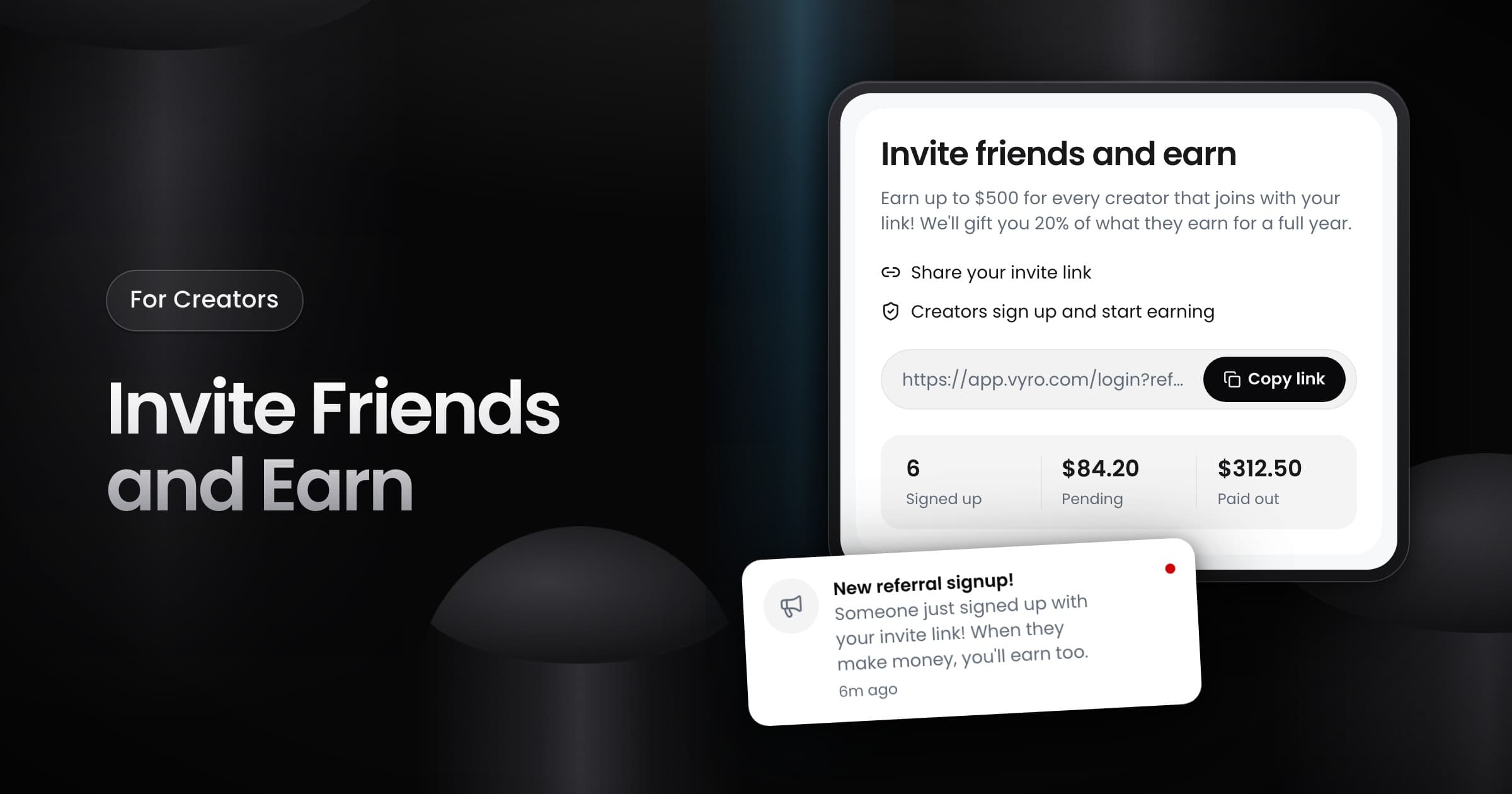
Creators can now invite other creators to Vyro with a personal invite link. When a creator signs up through your link, they become your referral, and you can follow them in the app.
Share your link
- Select Invite & earn in the header. On a phone, it is the gift icon.
- Select Copy link, then send the link to the creators that you want to invite.
A creator becomes your referral only when they create their account through your link. You get a notification when a creator signs up with your link.
Follow your referrals
The Invite friends and earn window shows how many creators signed up, plus your Pending and Paid out amounts. Select View referral activity to see each referral, the date they joined and what they earned you. Each referral has a status:
- Active: the referral still adds to your rewards.
- Ended: the earning period of the referral is over.
- Maxed out: the referral reached the limit for one creator.
- Voided: Vyro removed the creator, so the unpaid rewards from that referral are not paid.
How rewards work
The window explains the program terms. You get 20% of what each creator that you invite earns for one year, up to $500 for each creator. The reward comes from Vyro, not from the earnings of that creator. At the end of each month, Vyro checks the referral activity and moves your pending rewards to your Vyro wallet. The Referral Terms page has the full rules.