Install Vyro as an App
Add Vyro to your home screen or desktop and open it in its own window, like any other app.
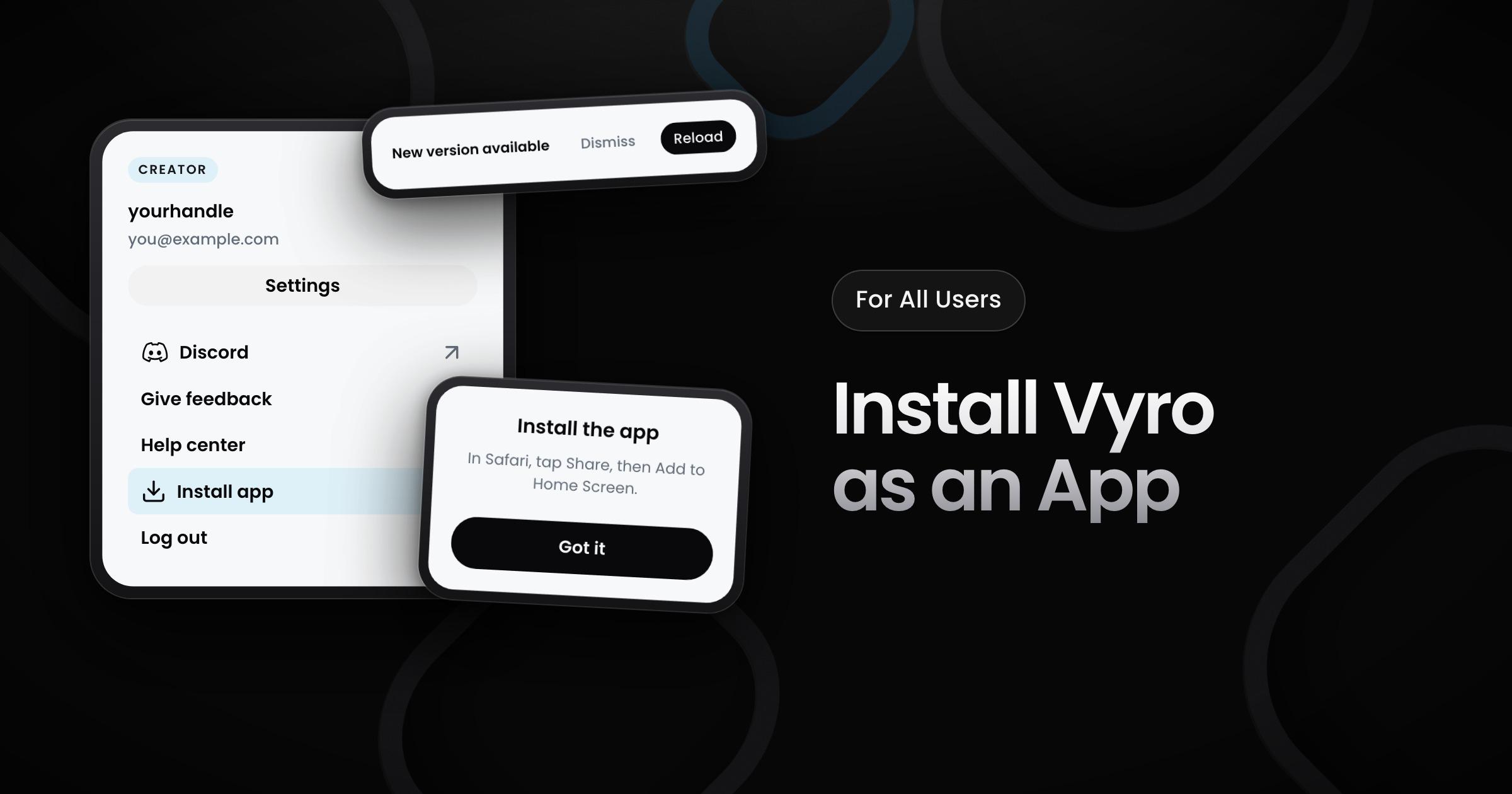
Creators and brands can now install Vyro as an app on a phone or a computer. The app opens in its own window, with the Vyro name and icon.
How to install it
- Chrome, Edge and other browsers that support apps: open the menu in the Vyro header and select Install app. Your browser asks you to confirm.
- iPhone and iPad: in Safari, tap Share, then Add to Home Screen. The Install app item in the menu shows these steps.
When Vyro is already installed on your device, the menu does not show Install app.
How the app works
- Updates: when a new version is available, the app asks you before it reloads, so you do not lose your work.
- Google sign-in: you can sign in with Google in the app on your phone.
- Steps that need a computer: on a phone, connecting payouts, linking a social account and linking Discord open pages outside the app. For these steps, the app tells you to use Vyro on a computer.
- Links to other sites: these links open in your browser. The app asks you first.