Creator Lists Curated for Your Brand
Open the creator lists Vyro picks for your brand, switch between cards and a table, and remove anyone who is not a fit.
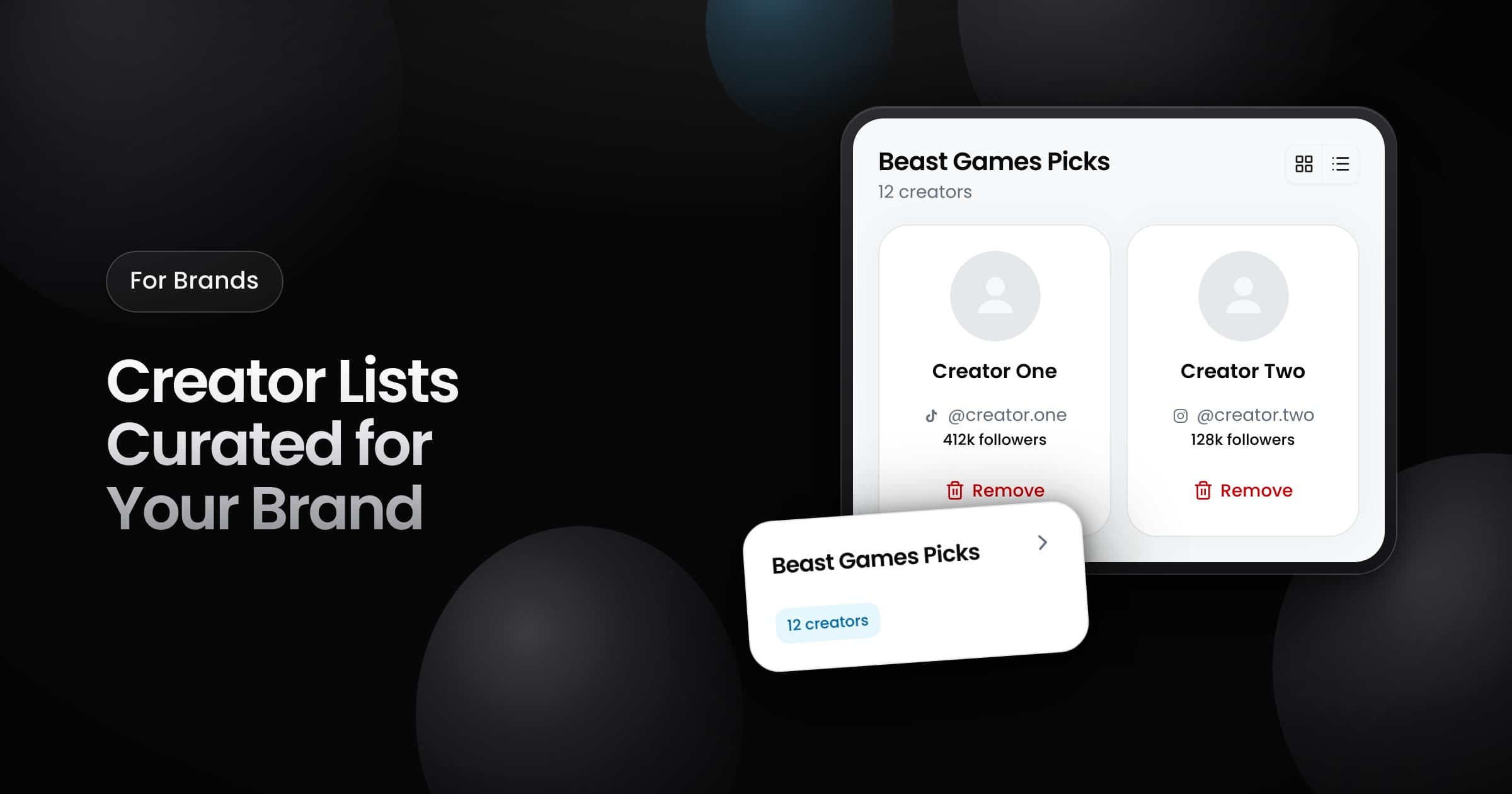
Brands can now open the creator lists that the Vyro team builds for them, inside the Vyro app.
How lists reach you
- The Vyro team builds a list of creators for your brand and shares it with your workspace.
- The list then shows on the Creator Lists page.
- Every member of your workspace sees the same lists.
- You cannot create a list or add creators. That stays with the Vyro team.
- The Vyro team can also send you a list as a link, with an optional password.
Review a list
Open a list to see its creators as cards or as a table. Each creator shows a name, a handle with the platform icon and, when Vyro has it, the follower count.
To take a creator off the list, select Remove. The change applies to everyone in your workspace and to the Vyro team. Only the Vyro team can add a creator back.