Connect Discord and Earn Creator Roles
Link Discord in one click to join the Vyro server, get the Vyro Creator role, and earn roles as your approved clips gain views.
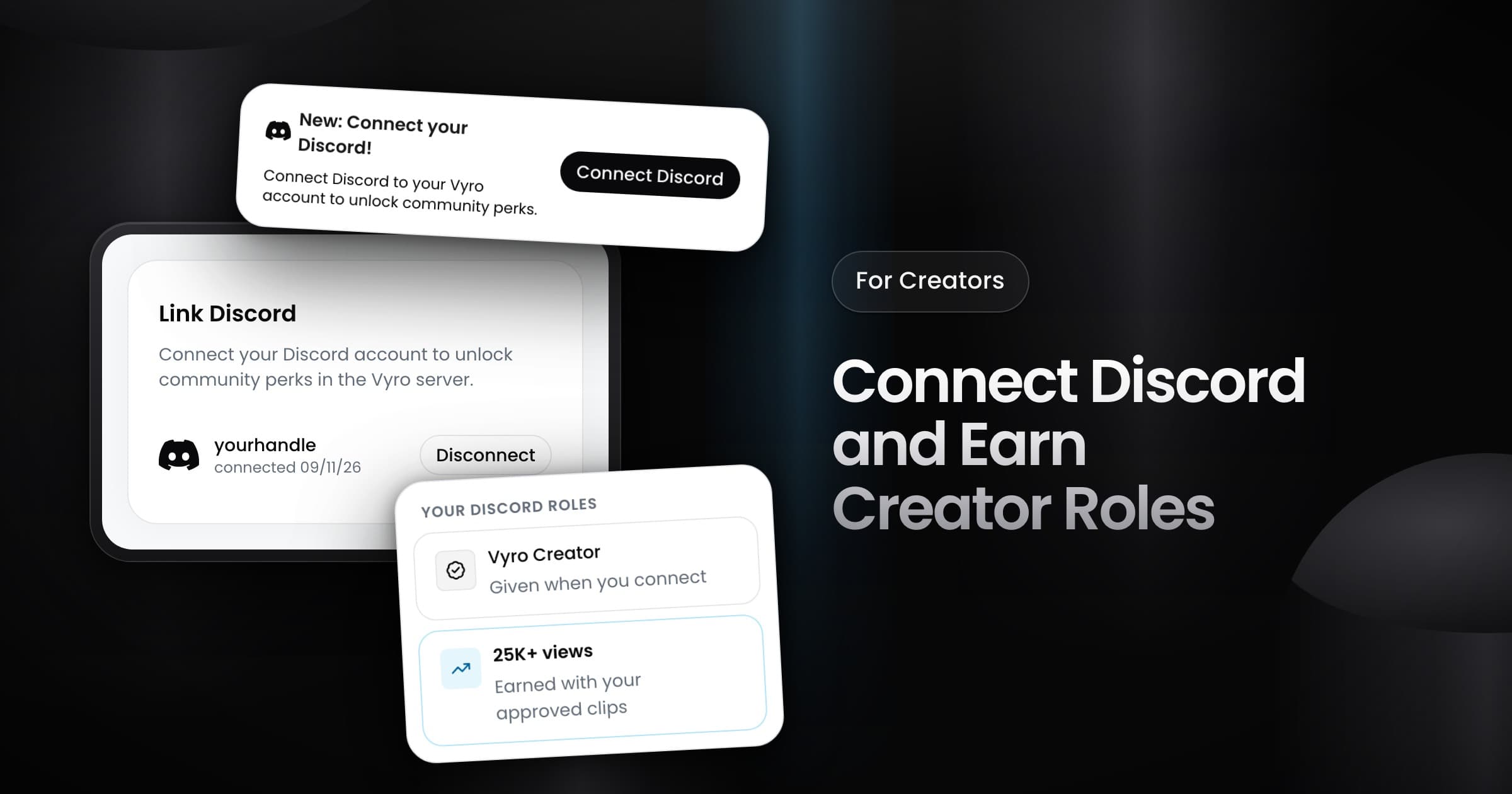
Creators can now link their Discord account to Vyro in one click. Vyro adds you to the Vyro Discord server and gives you roles that show your work on Vyro.
Connect your account
- Select Connect Discord in Settings, or on the banner at the top of the app.
- Approve the connection in Discord.
Vyro adds you to the server if you are not a member yet. Settings then shows your Discord name and the date that you connected. One Discord account connects to one Vyro account.
Your roles
- Vyro Creator: you get this role as soon as you connect.
- Approved posts: when you have an approved post, you also see a channel for creators with approved posts.
- View milestones: since September 24, Vyro gives you a role when the views of your approved posts pass a milestone. The milestones go from 25K to 50M views, and 10M views opens a VIP channel.
Vyro counts only the views of your approved posts on Vyro, not the views of your whole profile. When you disconnect Discord in Settings, Vyro removes every role that it gave you.