Browse Every Live Campaign
A new Campaigns tab lists every active campaign, and anyone can browse the same board on vyro.com before they sign up.
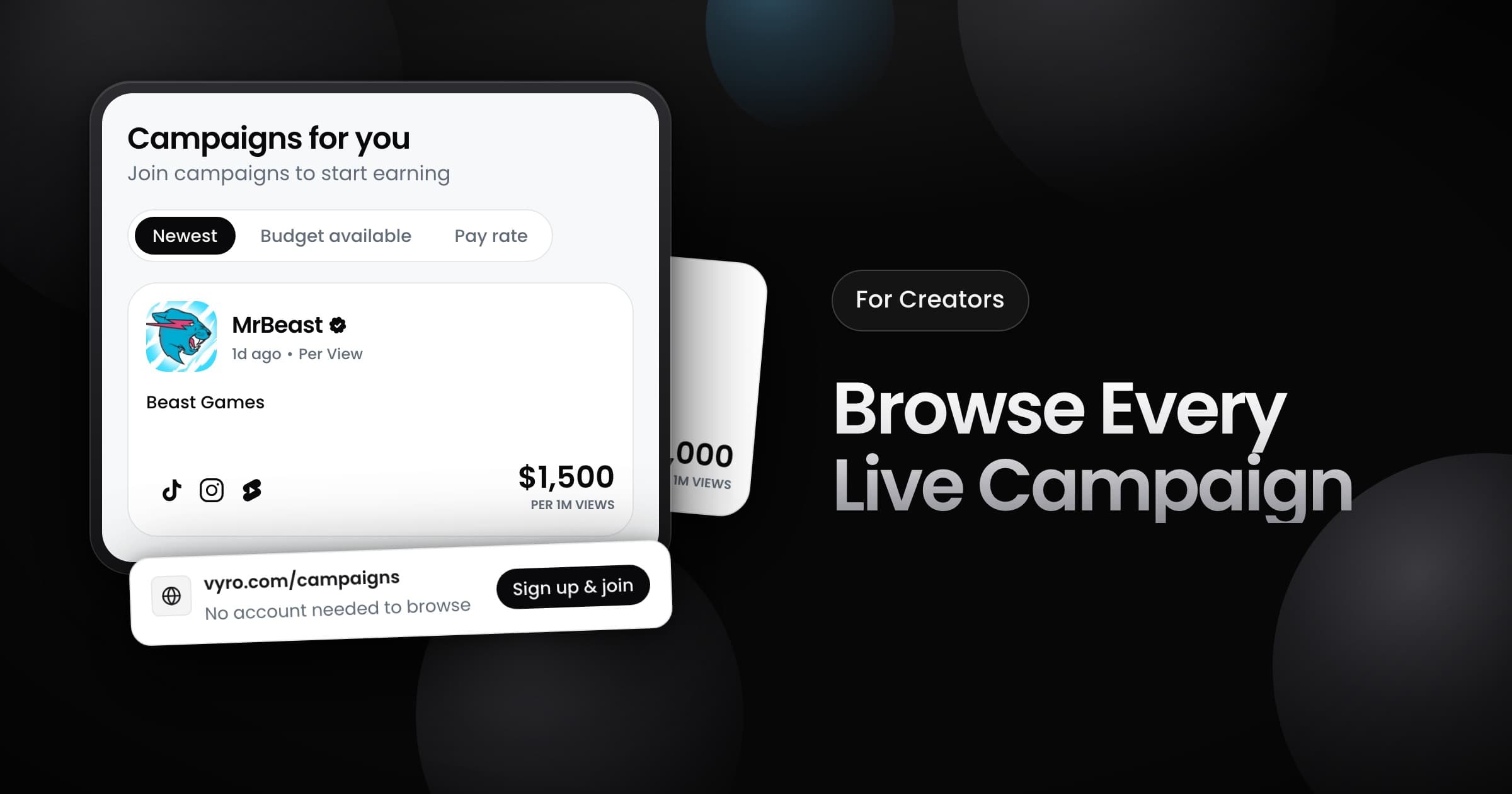
Creators can now browse every active campaign in one place, in the app and on vyro.com.
In the app
- Where: open the new Campaigns tab. On a phone, the tab is Discover.
- What you see: a card for each active campaign. The board takes the place of the campaign list on your home page.
- Sort: pick Newest, Budget Available or Pay Rate. More campaigns load as you scroll.
- Details: select a card to open the brief of the campaign.
On vyro.com
Anyone can open the same board at vyro.com/campaigns, with no account. The board has the same sort options, and each card opens the brief of its campaign. When you sign up from a campaign, Vyro takes you back to that campaign after you create your account.