Ask the Helpbot Inside Vyro
Get answers from the help center without leaving Vyro, in the language you write in.
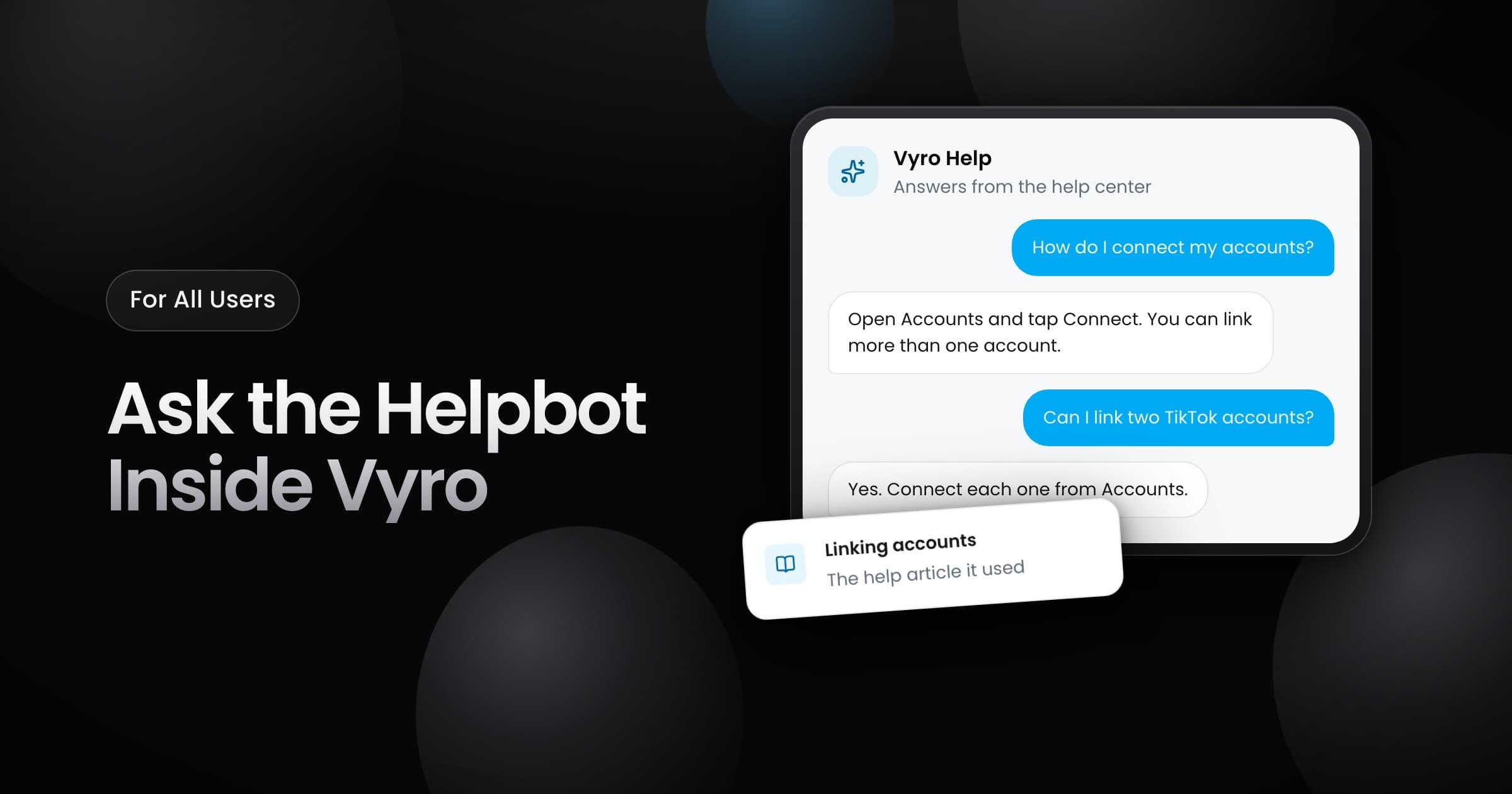
You can now ask the helpbot your questions inside Vyro. Select the question mark button in the bottom corner of the app. Then type your question, or pick one of the suggested questions.
How the helpbot answers
- From the help center: the helpbot answers from our help articles. Each answer links to the articles that it used, so you can read more.
- In your language: write your question in your language, and the helpbot answers in the same language.
- With context: the helpbot keeps the context of your chat, so you can ask a follow-up question.
- Your earlier chats: your chats stay under Chats, so you can go back to an answer later.
When you need more help
- Browse the help center by topic, or search it, from the same panel.
- When an answer does not help, rephrase your question or select Talk to a person. Describe what you need, and a person from the Vyro team replies by email.
- After an answer, tell us if it solved your problem, and rate the chat. Your rating helps us improve the help center.