Appeal a Ban and Track the Decision
A banned account now sees the date and the reason, and can send one appeal with screenshots and see the decision in the app.
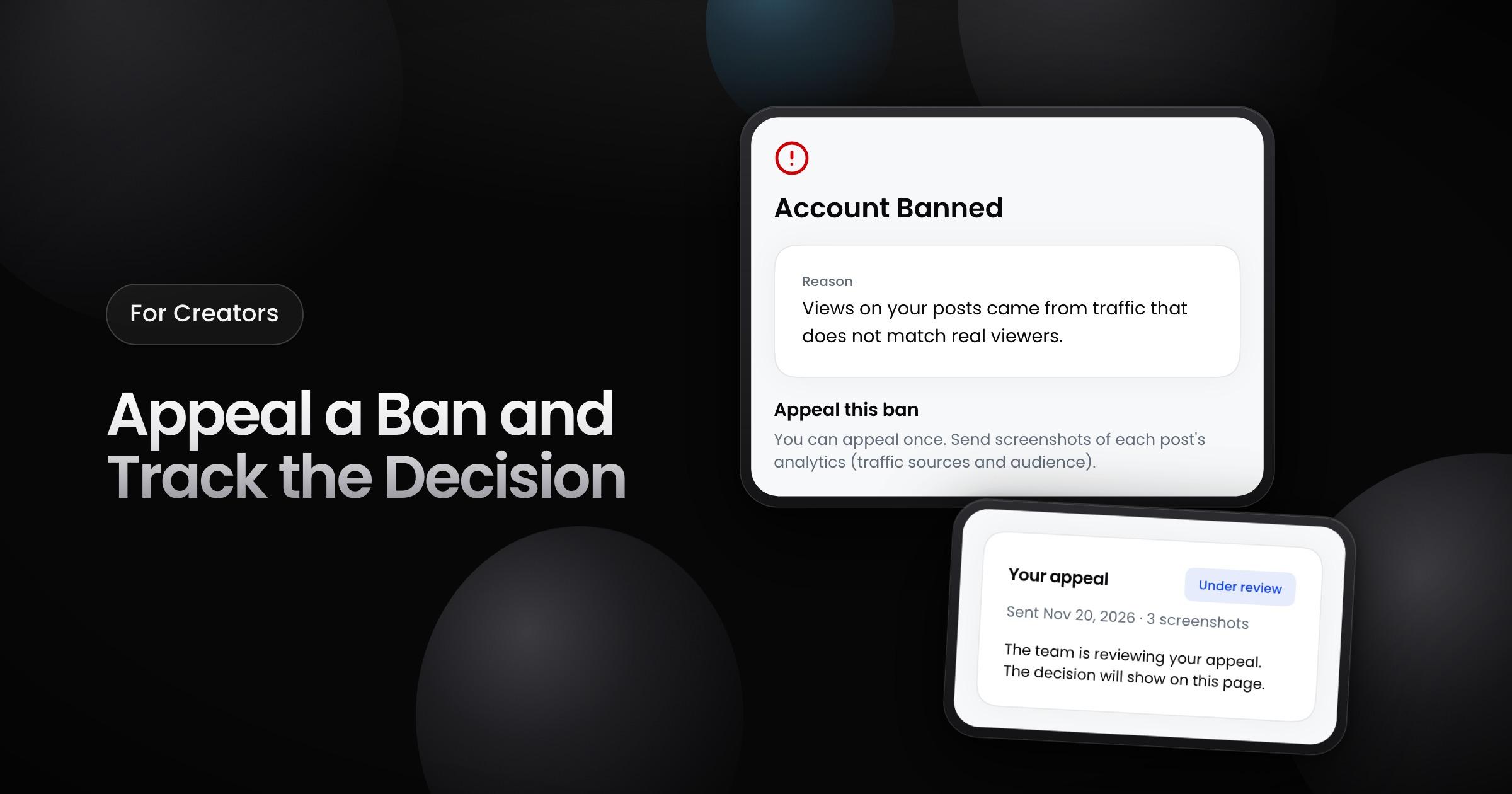
Starting today, a banned account opens on a page that shows the date and the reason of the ban. From the same page, you can appeal the ban and see the decision.
What the page shows
- The reason: for example, views that came from traffic that does not match real viewers, or more than one account on Vyro.
- Your appeal: its status, Under review or Denied. When the team denies an appeal, you see the reply from the team.
- The result: when the team approves your appeal, the ban is lifted and you can use Vyro again.
How to appeal
- One appeal for each ban: a denied appeal is the final decision for that ban.
- Screenshots as evidence: add 1 to 10 PNG or JPG screenshots, 5 MB or smaller each. Show the analytics of each post, with its traffic sources and audience.
- Where you see the decision: on the same page, after the team reviews your appeal.