A Private Discord Channel for Each Campaign
Join a campaign and get its own Discord channel, where you talk with the other creators in it.
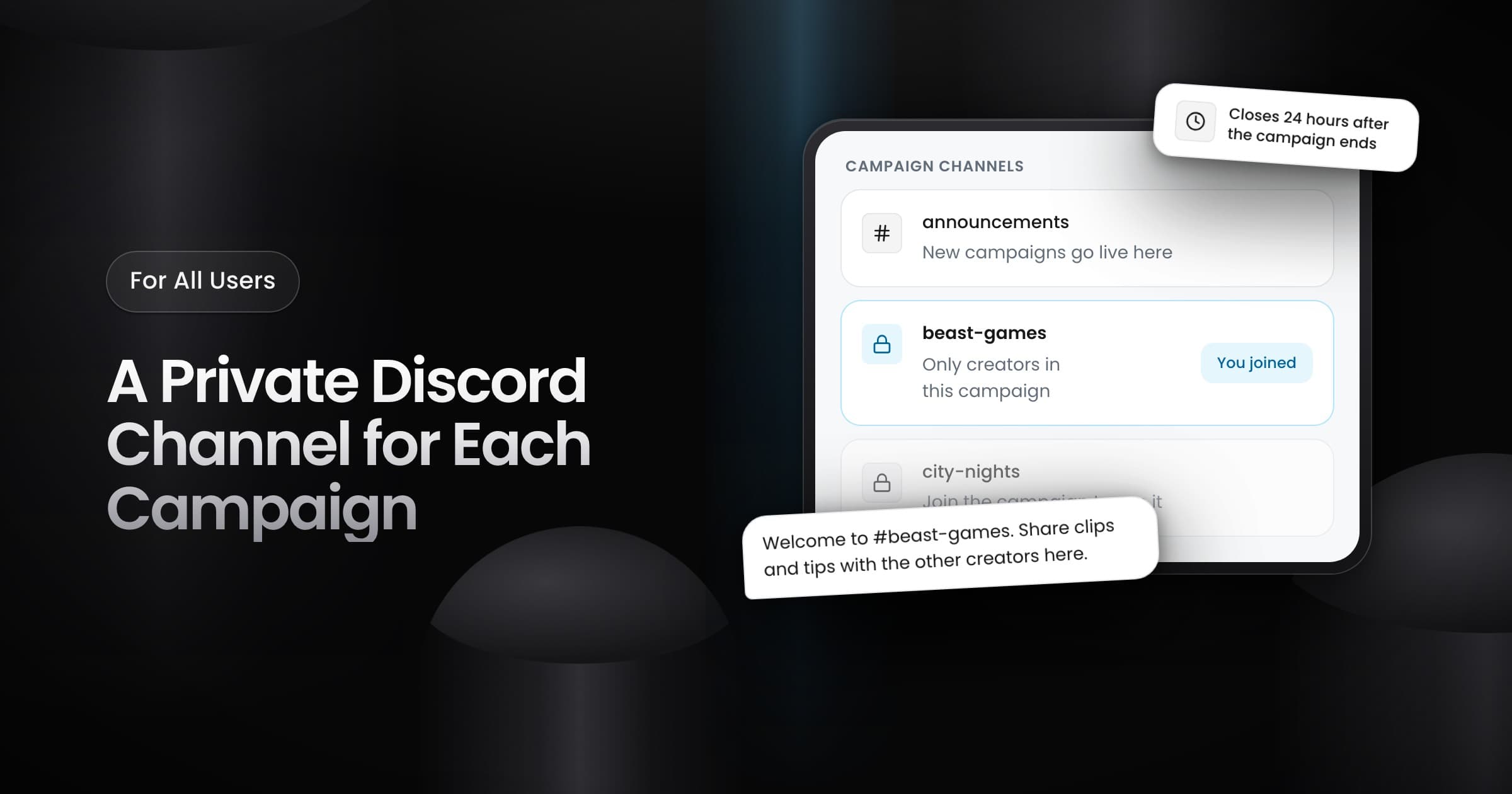
Campaigns in the Vyro Discord server now have their own private channel, where you talk with the other creators in the campaign. The channel replaces the campaign thread.
How it works for creators
- Which campaigns: a campaign gets a channel when Vyro announces it in the Discord server. Invite-only campaigns do not get a channel.
- Who sees the channel: only the creators in the campaign, the Vyro team and the server moderators see it.
- How to get access: connect your Discord account in Settings, Link Discord, then join the campaign on Vyro. If you connect Discord after you join, you get access within a few minutes.
- After the campaign: Vyro deletes the channel 24 hours after the campaign ends.
- Leaderboards: the Vyro leaderboards in Discord now show only creators who are in the Vyro server. Join the server to show on a board.
For brands
Vyro now announces each new public self-serve campaign in the Discord server when it goes live. The announcement has a Join Campaign button, so creators can join your campaign from Discord. Each creator who joins gets access to the private channel of your campaign.