A Pay Rate for Each Platform
Brands can set a different pay rate and budget for each platform in a campaign, and creators see each rate before they post.
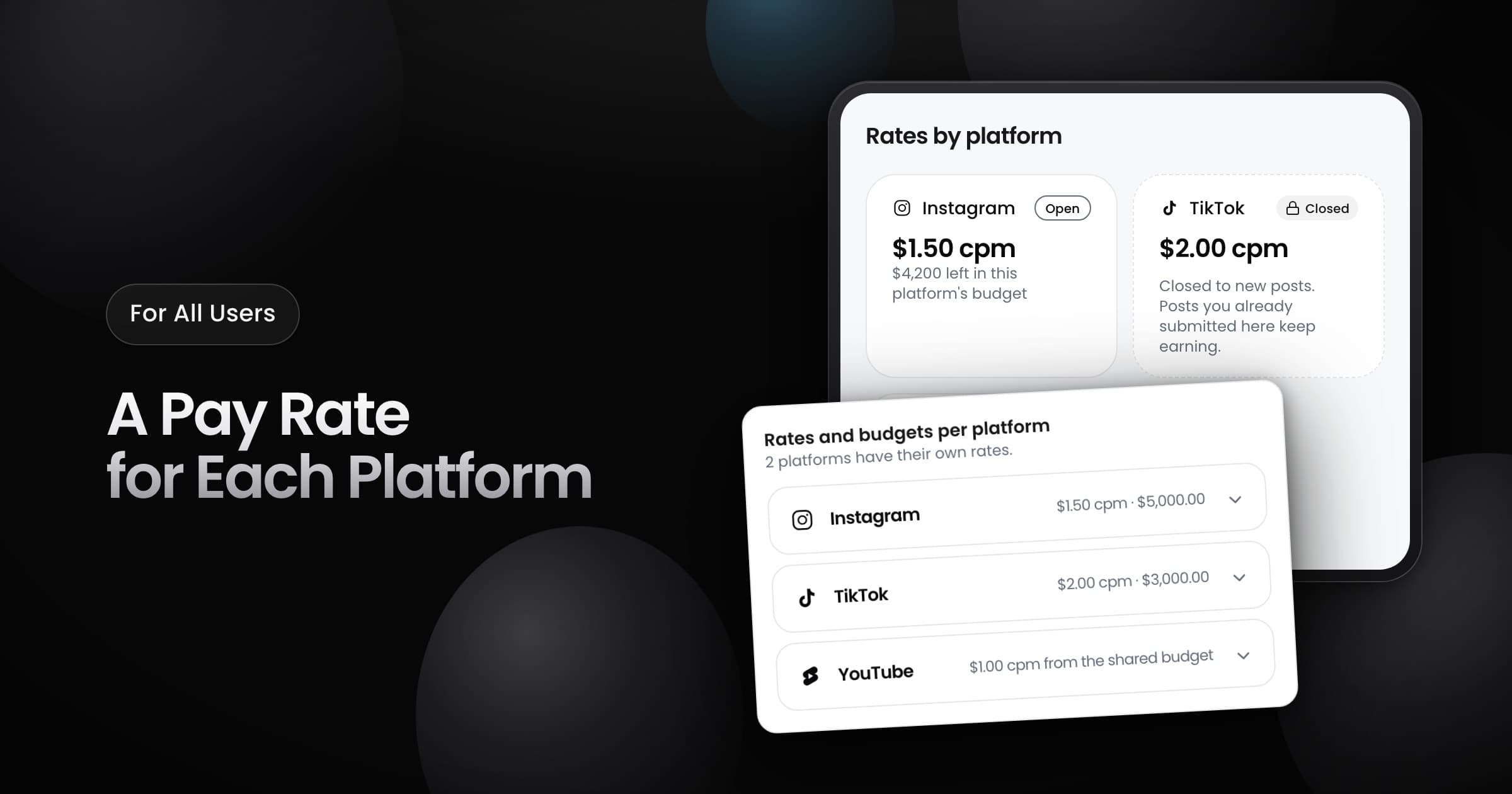
Brands can now give each platform in a campaign its own pay rate and its own budget. A view on one platform can pay more than a view on a different platform. One platform cannot spend the budget of a different platform.
For brands
- In the campaign setup, open Advanced: set rates per platform.
- Set a rate for a platform and lock part of your budget to it. A platform with its own rate must have a locked budget.
- Leave a platform without a rate to let it share the rest of the budget.
Only posts on a platform earn from the budget that you lock to that platform. The campaign report shows the spend for each platform, and marks a platform that closed.
For creators
- Rates by platform: the campaign page shows the rate, the remaining budget and an Open or Closed badge for each platform. When the rates are different, the campaign card shows the top rate with Up to.
- Closed platforms: when the budget of a platform is almost spent, the platform closes to new posts and you get a notification. The posts that you already submitted on that platform continue to earn.
- Closed campaigns: when every platform closes, the campaign card shows Closed to new posts.