A Notification Inbox in the App
See approvals, rejections, earnings and new campaigns in one inbox inside the app, and get fewer emails.
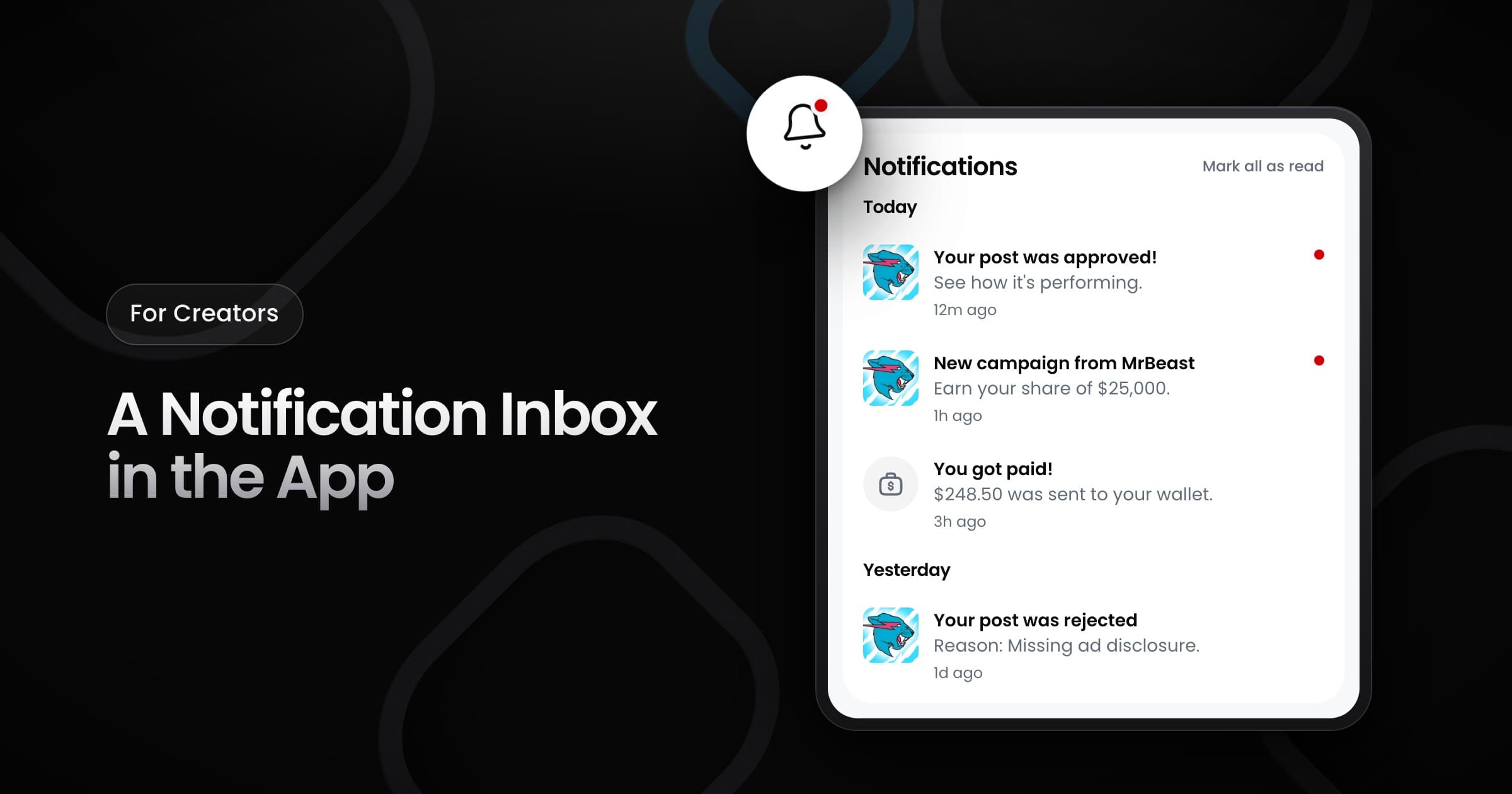
Creators can now read their Vyro updates in an inbox inside the app, next to the emails that they already get.
Open your inbox
Select the bell at the top of the screen. A red dot on the bell shows that you have unread updates. The inbox groups your updates by day, and each update opens the post, campaign or earnings that it is about. Select Mark all as read to clear the dots, or Show older to load past updates.
What the inbox shows
- Post reviews: an approved post, or a rejected post with the reason.
- Money: earnings that Vyro added to your wallet.
- New campaigns: a campaign that you can join.
- Account problems: an account that you must connect again.
- Removals: a note when Vyro removes you from a campaign.
Fewer emails
- One email for many launches: when several campaigns go live close together, you get one notification and one email that list all of them.
- No email for updates that you read: for post reviews, money, account problems and removals, the email waits about an hour. If you read the update in the app first, Vyro does not send the email.